

Upload Your Photos
Click here or drag a photo to uploaded
Blur Background
Create a blur effect behind a photo
Active Layer:
Click text to select • Drag to move • Use corner to resize
How to edit photos:
- • Drag the photo to adjust the position
- • Use mouse scroll or gesture to zoom
- • Click Reset to return to the starting position
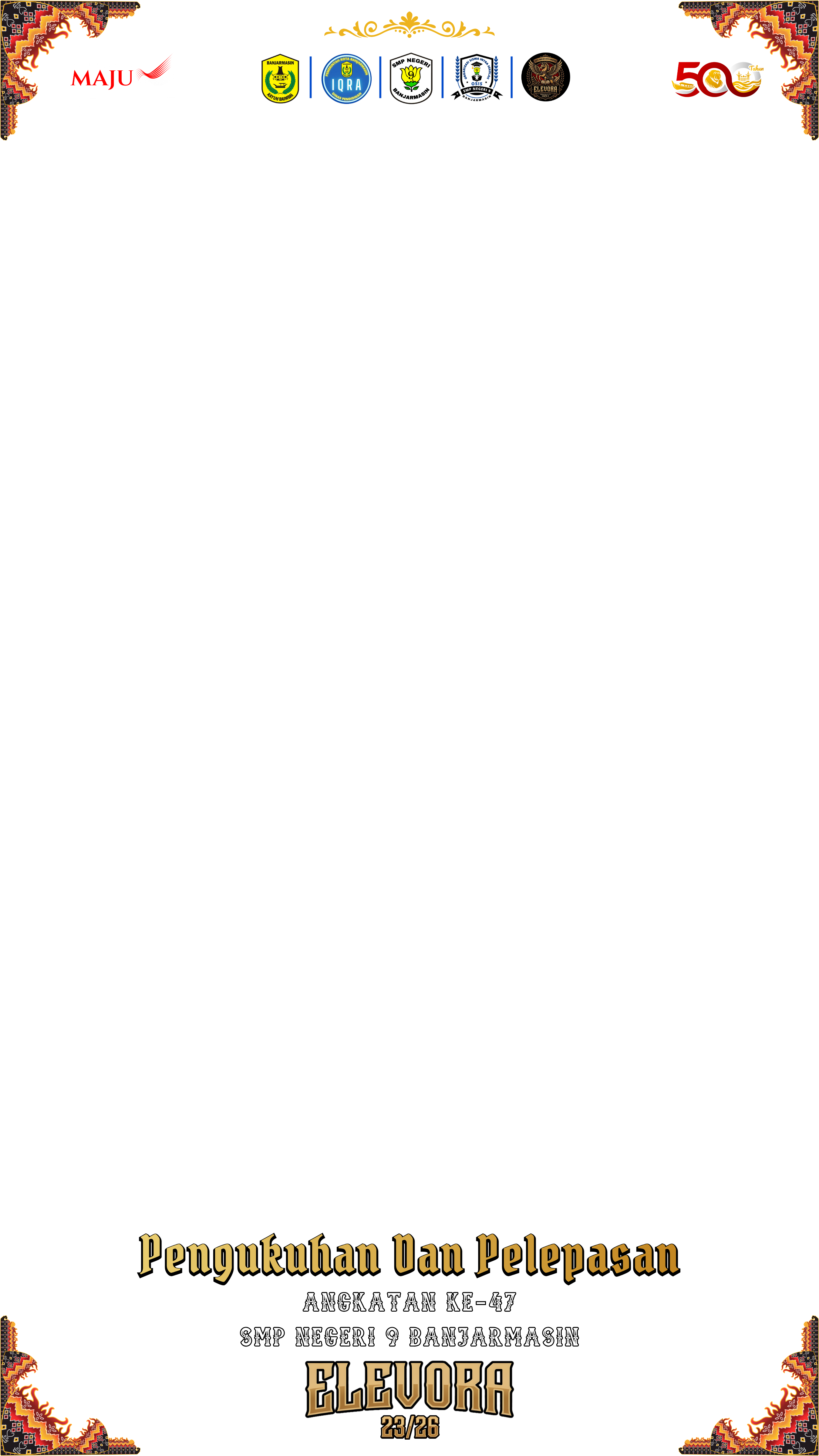
Pelepasan Elevora 47

2 Supporters 2 days ago
Description
Get the Twibbon Pelepasan Elevora 47 Watermark-Free
Share Campaign
More Campaigns from SMP Negeri 9 Banjarmasin



Similar Twibbons