

Upload Your Photos
Click here or drag a photo to uploaded
Blur Background
Create a blur effect behind a photo
Active Layer:
Click text to select • Drag to move • Use corner to resize
How to edit photos:
- • Drag the photo to adjust the position
- • Use mouse scroll or gesture to zoom
- • Click Reset to return to the starting position
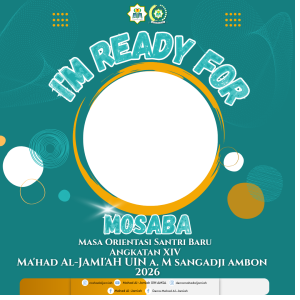
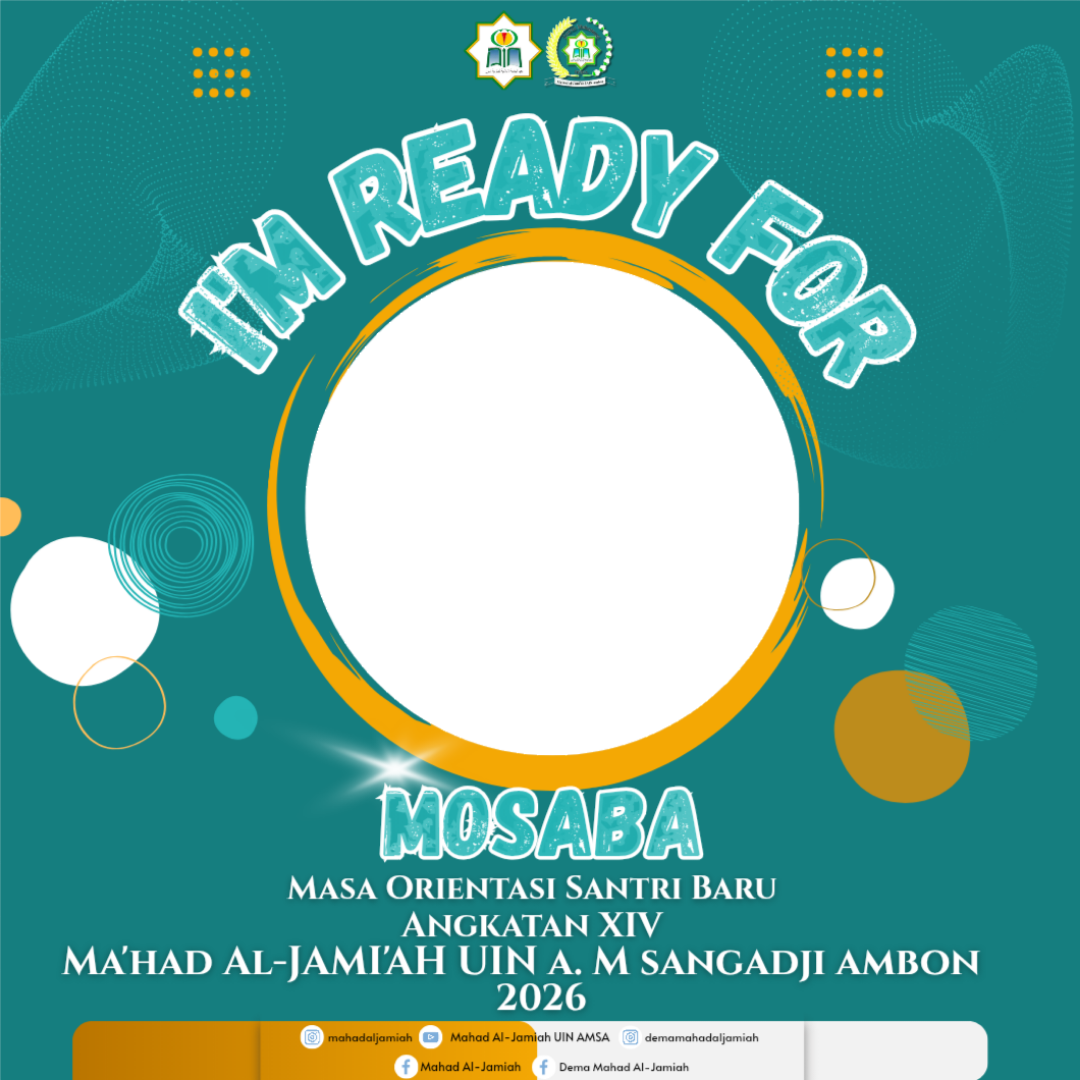
MASA ORIENTASI SANTRI BARU ANGKATAN XIV MA'HAD AL-JAMI'AH UIN A. M SANGADJI AMBON

29 Supporters 3 months ago
Description
Yuk, Sukseskan MOSABA Angkatan XIV Ma'had Al-Jami'ah 🤗
Share Campaign
More Campaigns from Syarifa Nur Binsyeh